You are here: Home  Contacto Sample Data-Articles Joomla! Extensions Components Administrator Components
Contacto Sample Data-Articles Joomla! Extensions Components Administrator Components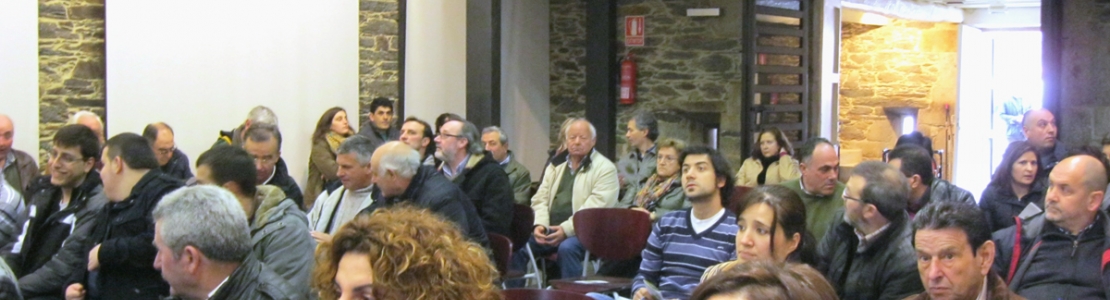
O día 14 de febreiro de 2013, presentouse no Pazo de Tor, en Monforte de Lemos, o Plan Integral...

O Presidente da Deputación, José Ramón Gómez Besteiro, entregou o 12 de xuño de 2014 os...
 Contacto Sample Data-Articles Joomla! Extensions Components Administrator Components
All components are also used in the administrator area of your website. In addition to the ones listed here, there are components in the administrator that do not have direct front end displays, but do help shape your site. The most important ones for most users are
The media manager component lets you upload and insert images into content throughout your site. Optionally, you can enable the flash uploader which will allow you to to upload multiple images. Help
The extensions manager lets you install, update, uninstall and manage all of your extensions. The extensions manager has been extensively redesigned, although the core install and uninstall functionality remains the same as in Joomla! 1.5. Help
The menu manager lets you create the menus you see displayed on your site. It also allows you to assign modules and template styles to specific menu links. Help
The global configuration is where the site administrator configures things such as whether search engine friendly urls are enabled, the site meta data (descriptive text used by search engines and indexers) and other functions. For many beginning users simply leaving the settings on default is a good way to begin, although when your site is ready for the public you will want to change the meta data to match its content. Help
The banners component provides a simple way to display a rotating image in a module and, if you wish to have advertising, a way to track the number of times an image is viewed and clicked. Help
The redirect component is used to manage broken links that produce Page Not Found (404) errors. If enabled it will allow you to redirect broken links to specific pages. It can also be used to manage migration related URL changes. Help
|
En cumplimiento da LeI Orgánica de Proteción de Datos de Carácter Persoal (LOPD), recordámoslle que os seus datos persoais serán incluidos nunha base de datos de Estudios y Proyectos Rurales, S.L.. e serán protexidos pola mencionada Lei. Vostede pode exercer os dereitos de acceso, cancelación, rectificación e oposición dirixíndose a estudipro.rural@gmail.com
|
 |
 |
 |